How to change store details
Changing your store information makes it easier for us to contact you
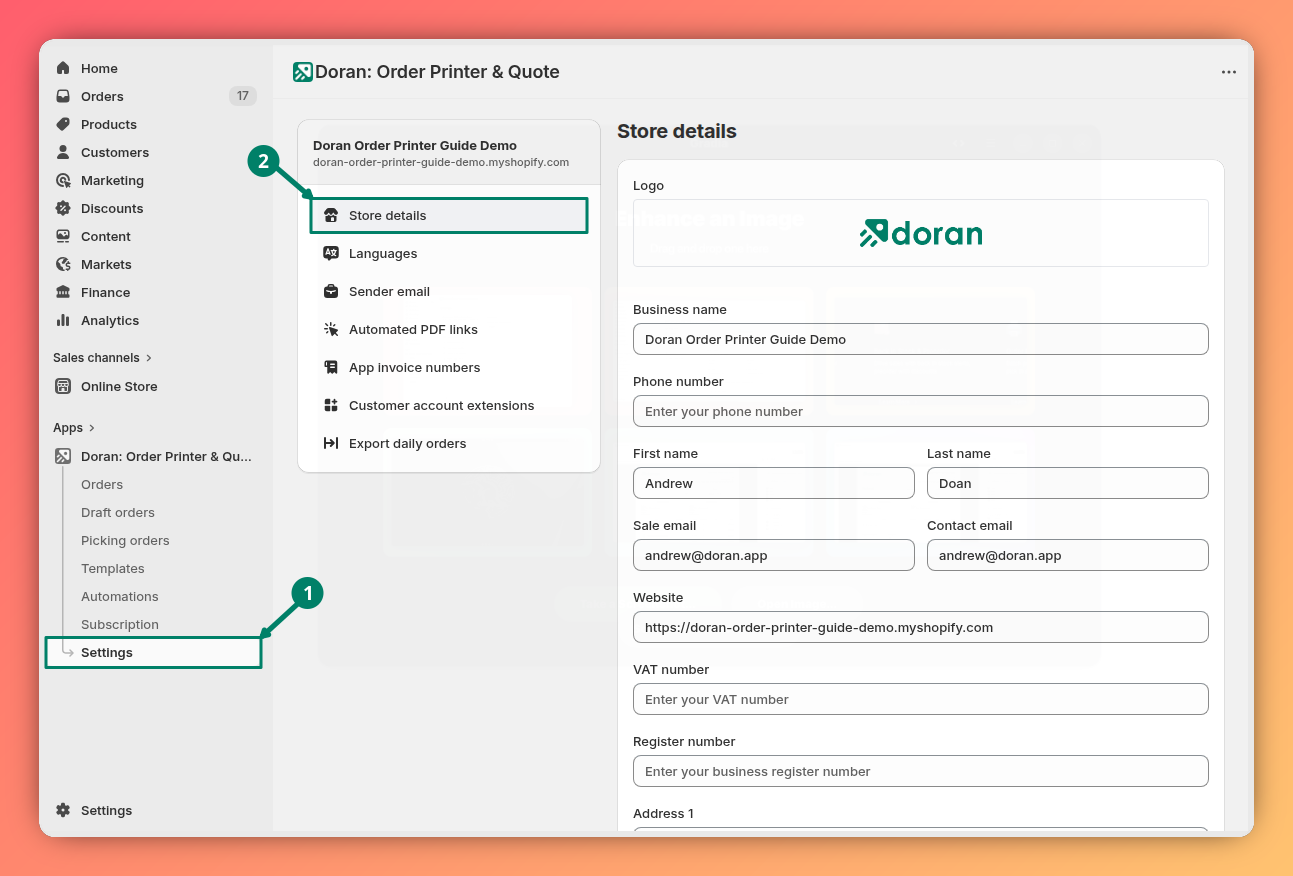
Change your store details
In this section, you can edit your store's information. The changes you make here will be reflected across all the templates you use.
The Contact email is used by our team to send you important information and updates about the app. Please ensure it is kept up-to-date.
Save your changes
Don't forget to click the Save button to save all your changes
Translations
This guide explains how translations work inside your automation, where to find the Translations tab, how to add new languages, customize existing text, and remove translations. It walks you through each step clearly so you can localize your automations and ensure your printed documents display the right wording in every language.
Languages
Change language while using our app.