Export daily orders
This feature allows you to receive a daily email containing PDF documents for all orders placed that day. It's a convenient way to automatically archive your invoices, packing slips, and other important documents without manual work.
Access the menu
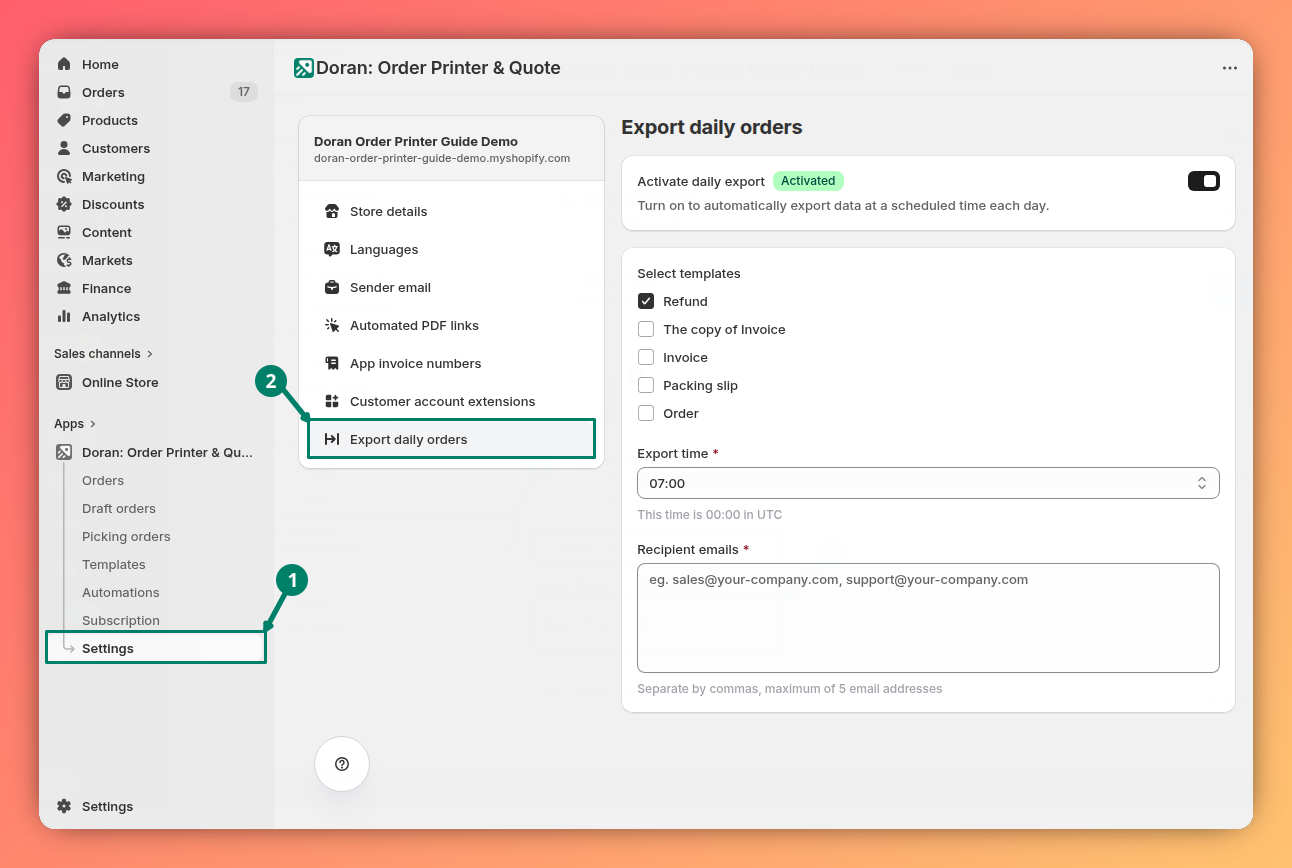
You can find this feature by navigating to Settings > Export daily orders in the app menu.
Configure daily exports
Follow these steps to set up and customize your automatic daily exports.
Activate the feature
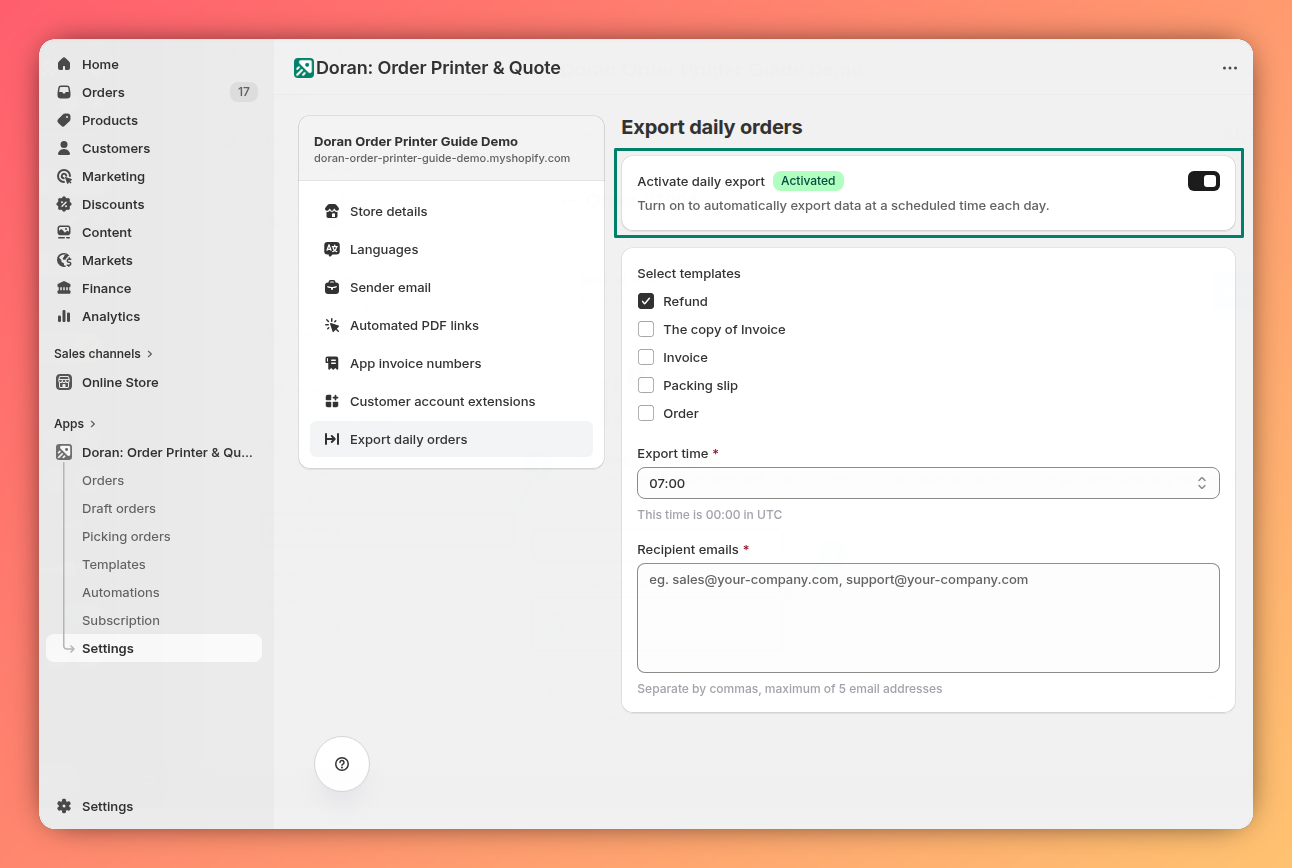
At the top of the page, locate the main toggle switch to activate or deactivate the "Export daily orders" feature. Turn it on to activate the feature.
Select templates
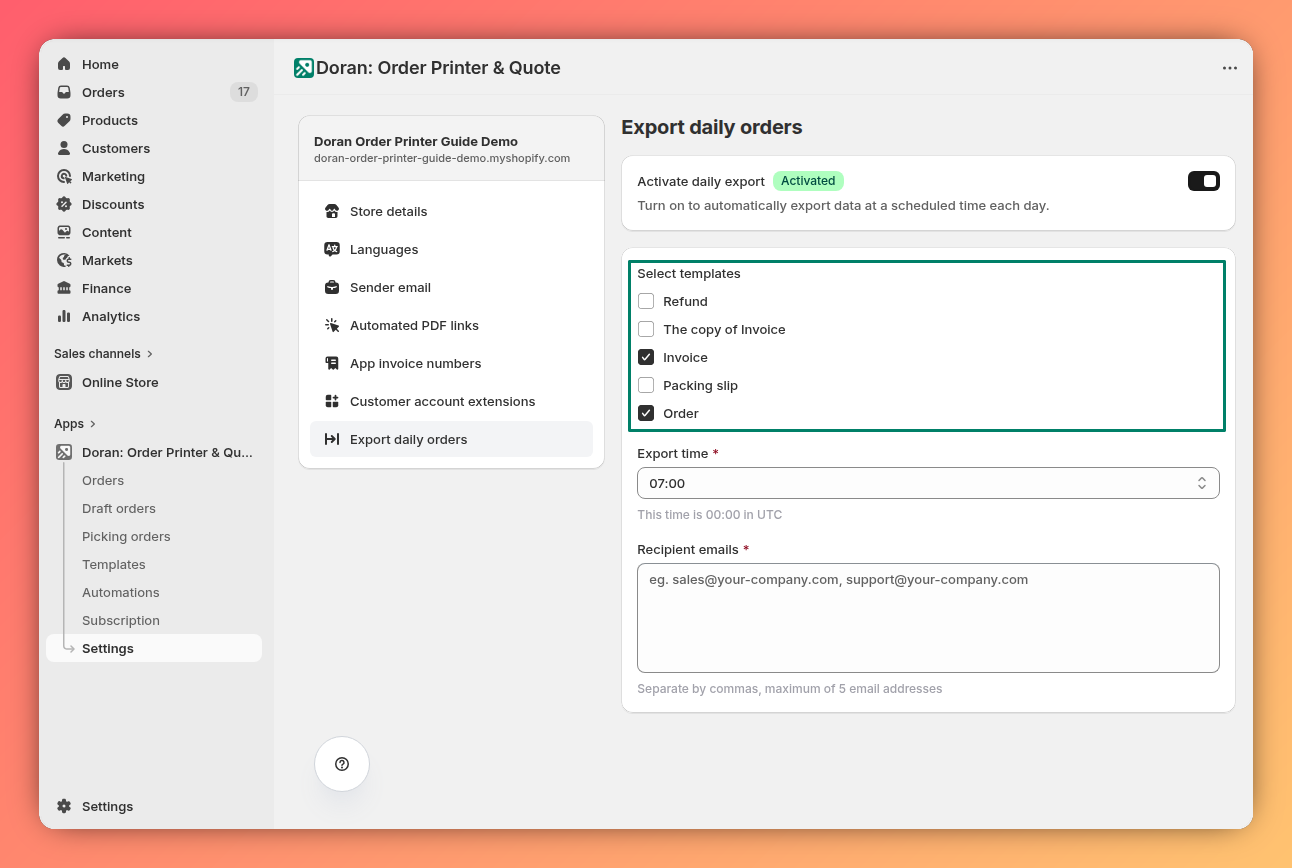
In the Templates section, check the boxes next to each document template you want to include in the daily email. For example, you can choose to receive invoices, packing slips, or both. The app will generate a PDF of each selected template for every order from that day.
Choose an export time
Use the Export time dropdown menu to select a time for the app to begin processing your daily orders.
- Time slots are available in 30-minute intervals.
- The time is automatically set to your store's local time zone. A help text also displays the corresponding UTC time for your reference.
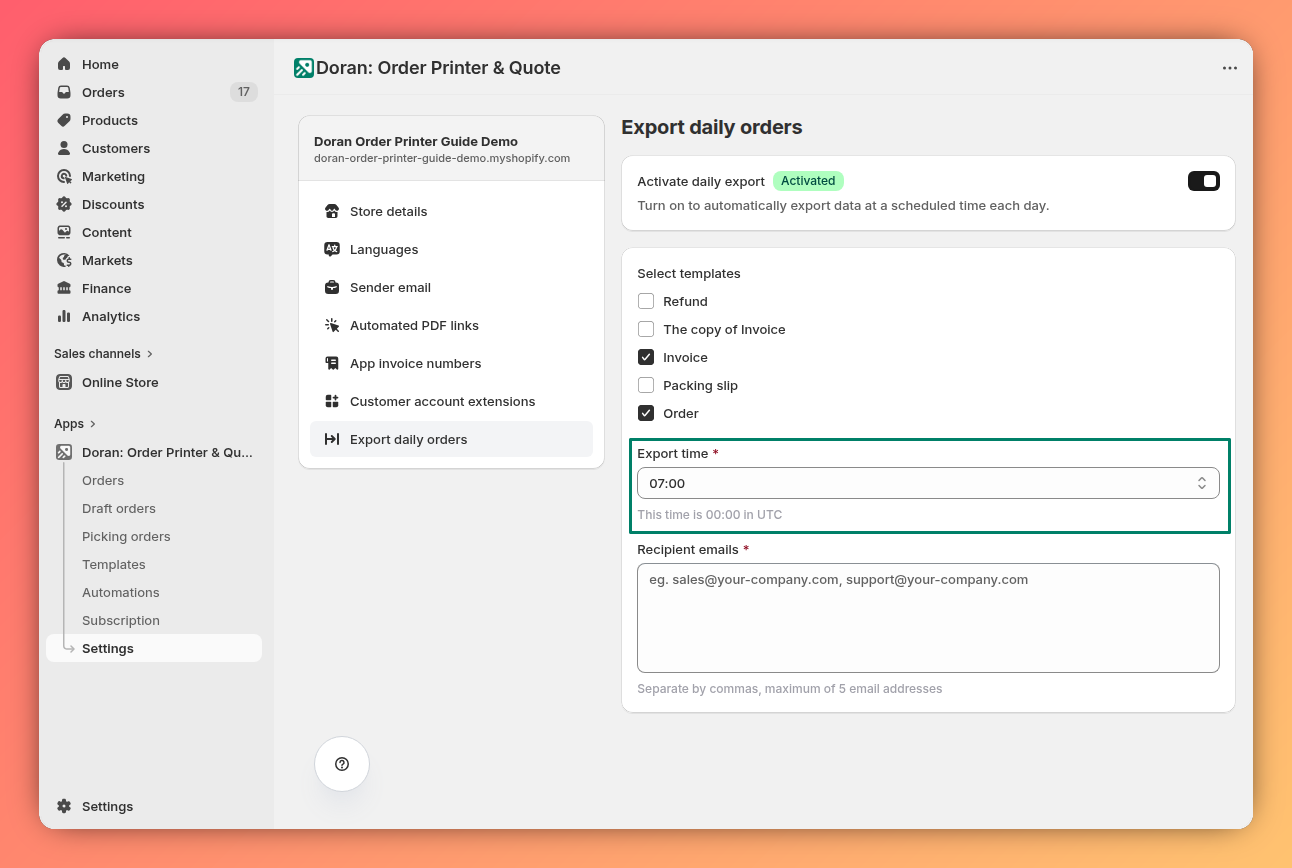
The time you select is when the export process begins, not when you will receive the email. The actual delivery time can vary depending on the total number of orders and templates being processed.
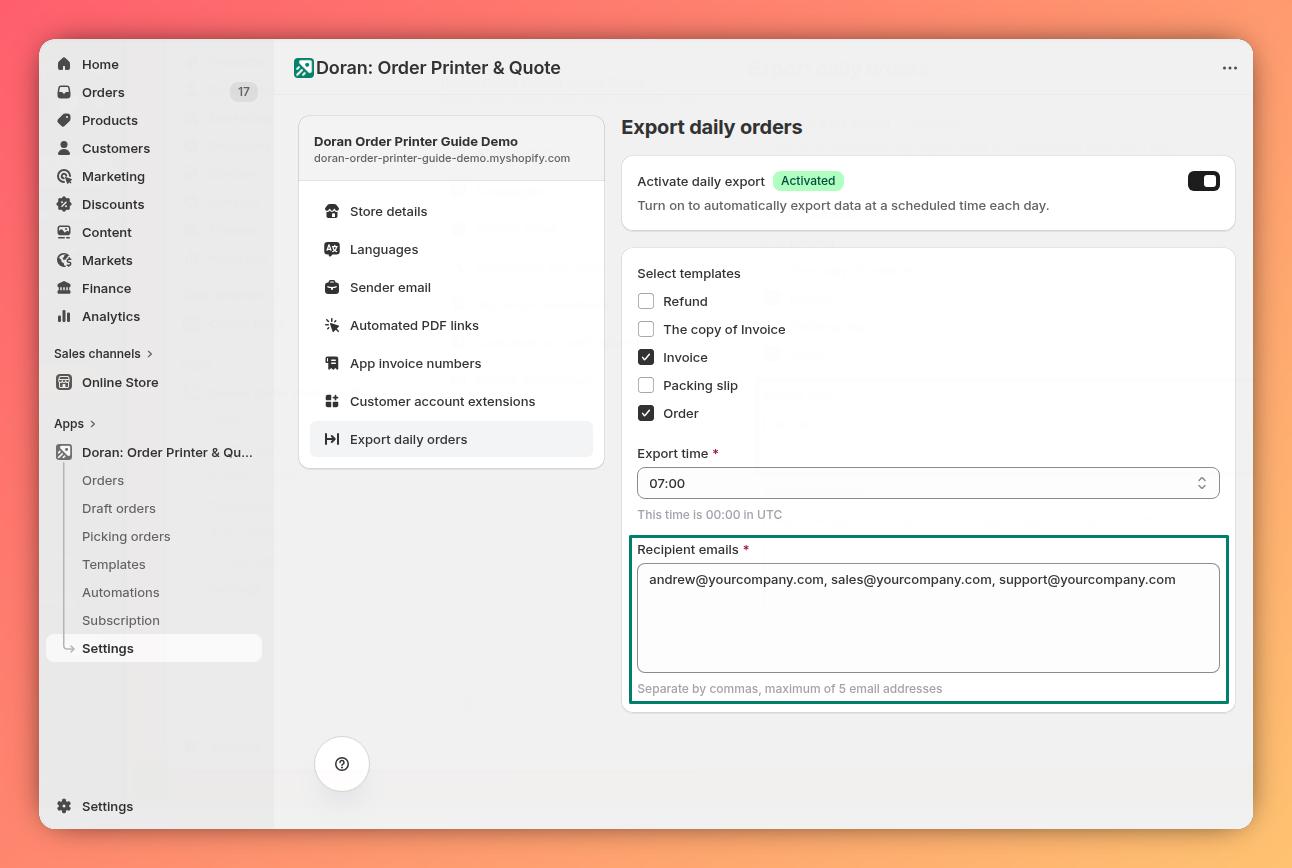
Enter recipient emails
In the Recipient emails field, type the email addresses that should receive the daily export.
- If you are adding more than one email, separate each with a comma (
,). - You can add a maximum of 5 email addresses.
Save your settings
Once you have configured the settings, click the Save button to apply your changes. Your daily exports are now active.
Customer account extensions
Learn how to use customer account extensions to allow your customers to download their PDF invoices directly from their order history page in their Shopify customer account.
AI
Connect Claude AI with the Order Printer MCP server to create and edit order templates using AI-powered prompts directly from your Claude conversation.