Shopify POS
This guide shows you how to set up and use the Print with Doran app on your Shopify Point of Sale (POS) device to print documents for your orders and draft orders.
Requirements
Before you begin, ensure your Shopify POS app is updated to the latest version.
Enable or disable the feature
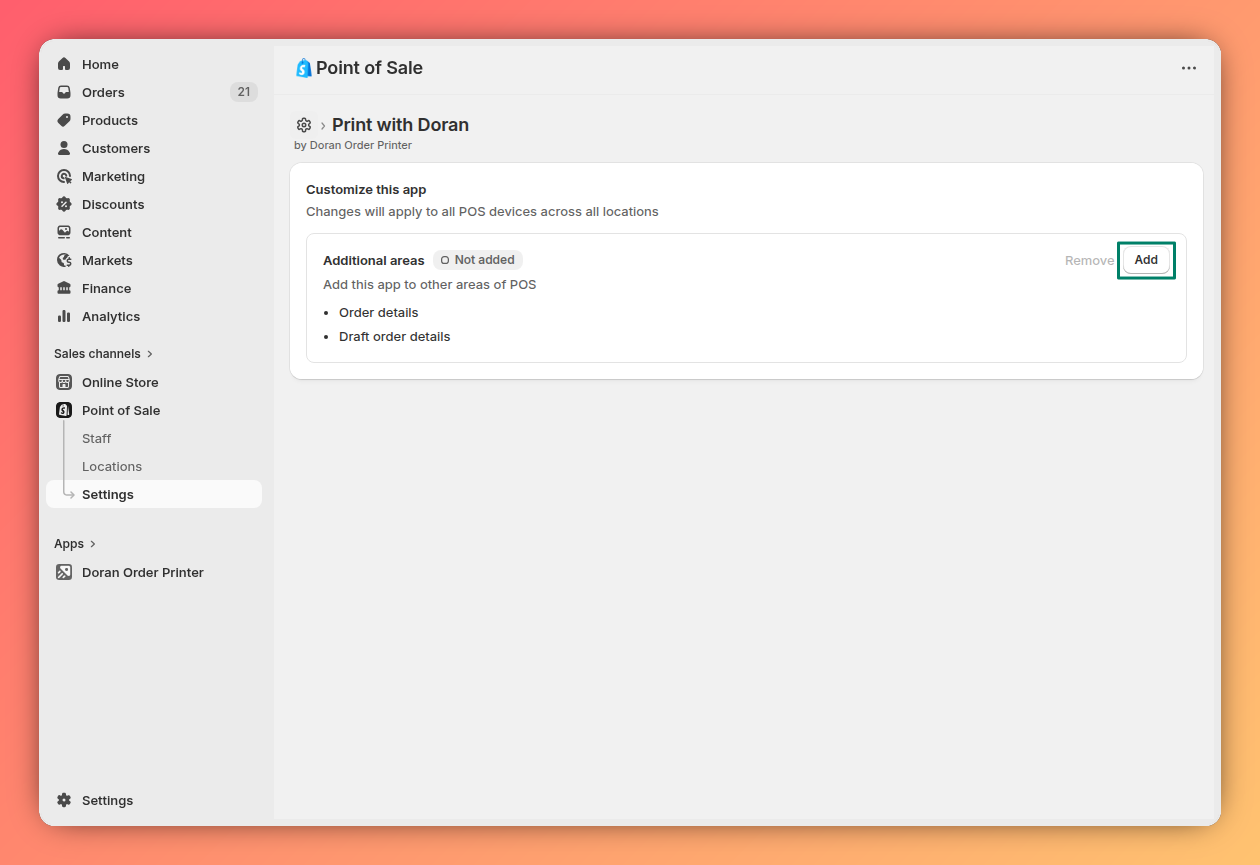
You need to enable the app in your Shopify POS settings to make it appear as an action on your POS device.
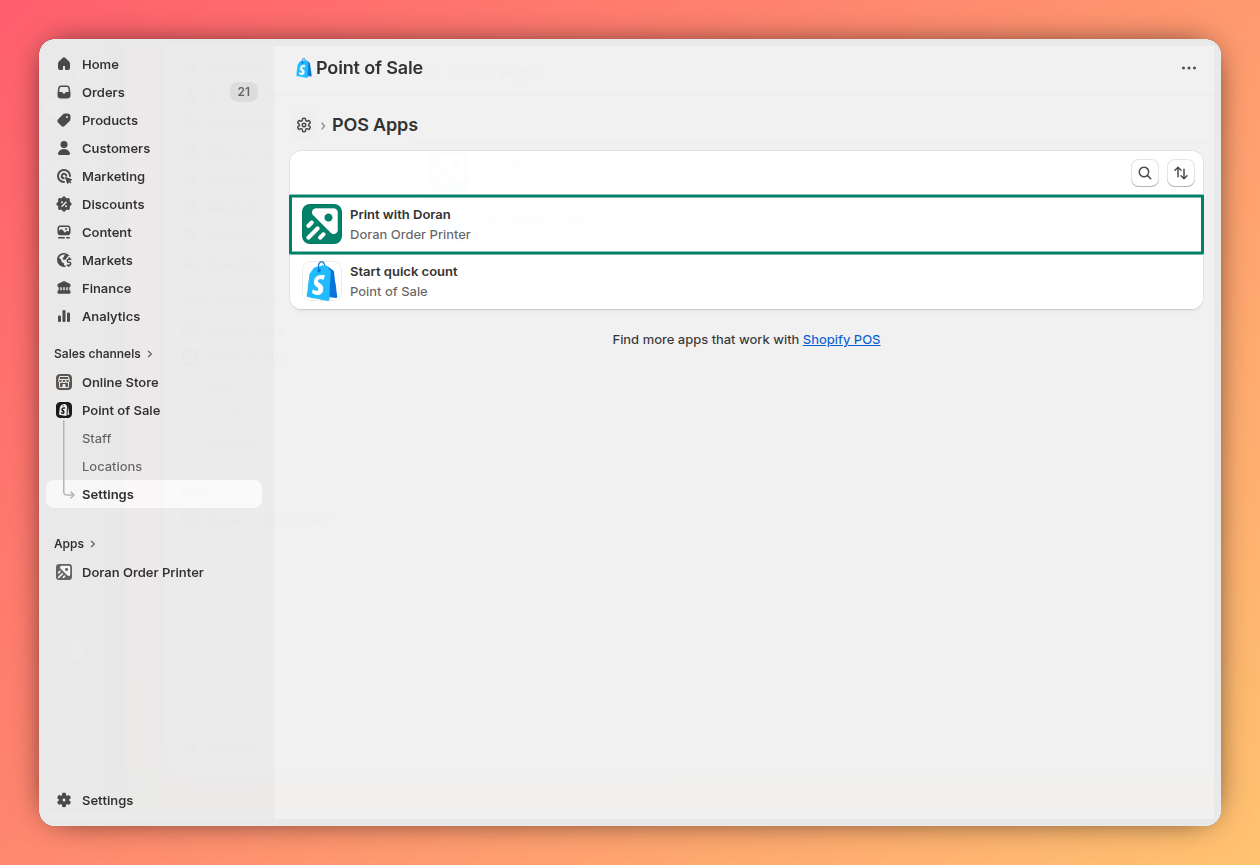
From your Shopify admin, navigate to the POS Apps settings.
Select Print with Doran from the list of installed apps.
Toggle the switch to enable or disable the feature on your POS.
Print an order from POS
Follow these steps to print documents for a completed order directly from your Shopify POS device.
On your POS device, go to the Orders screen.
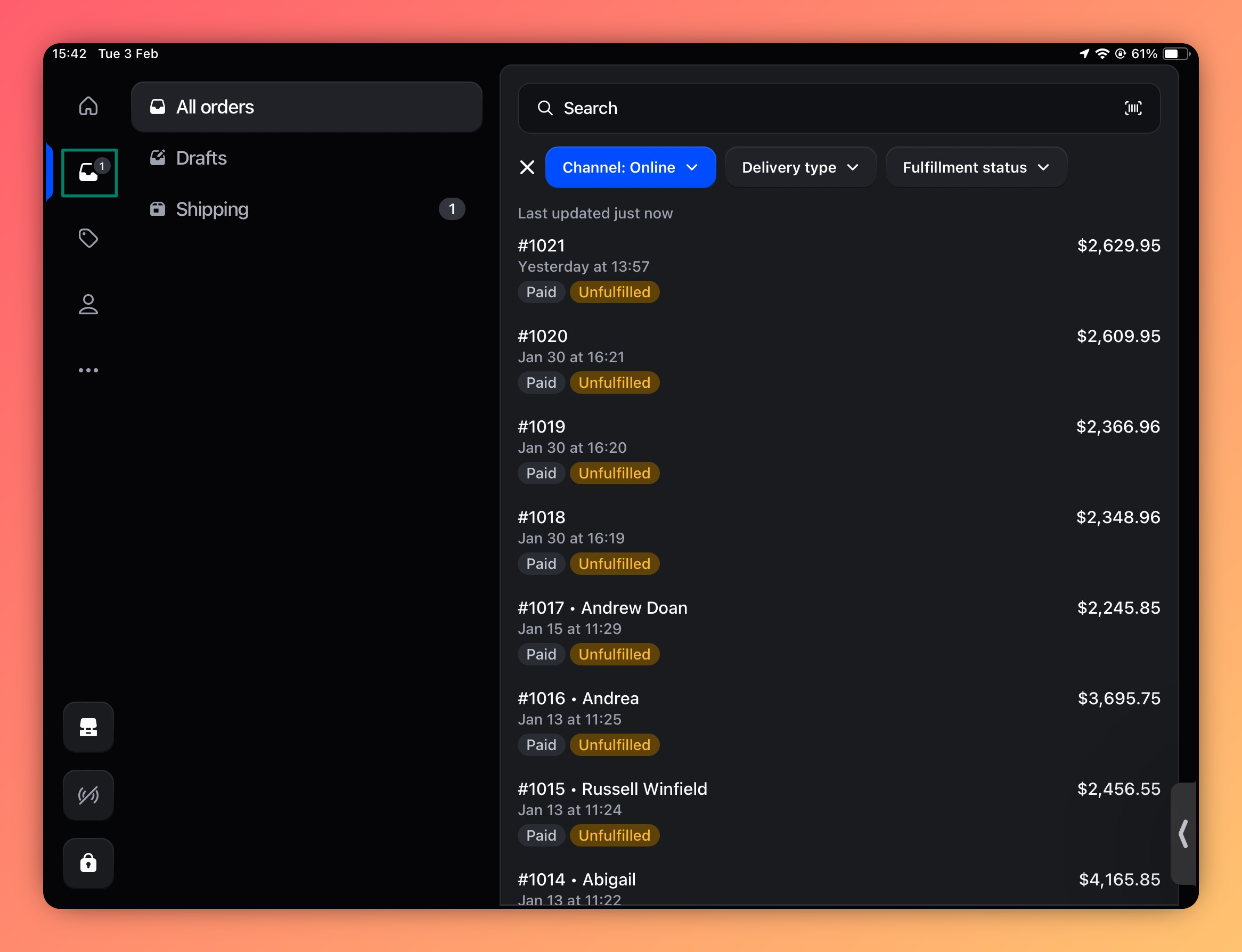
Tap the order you want to print.
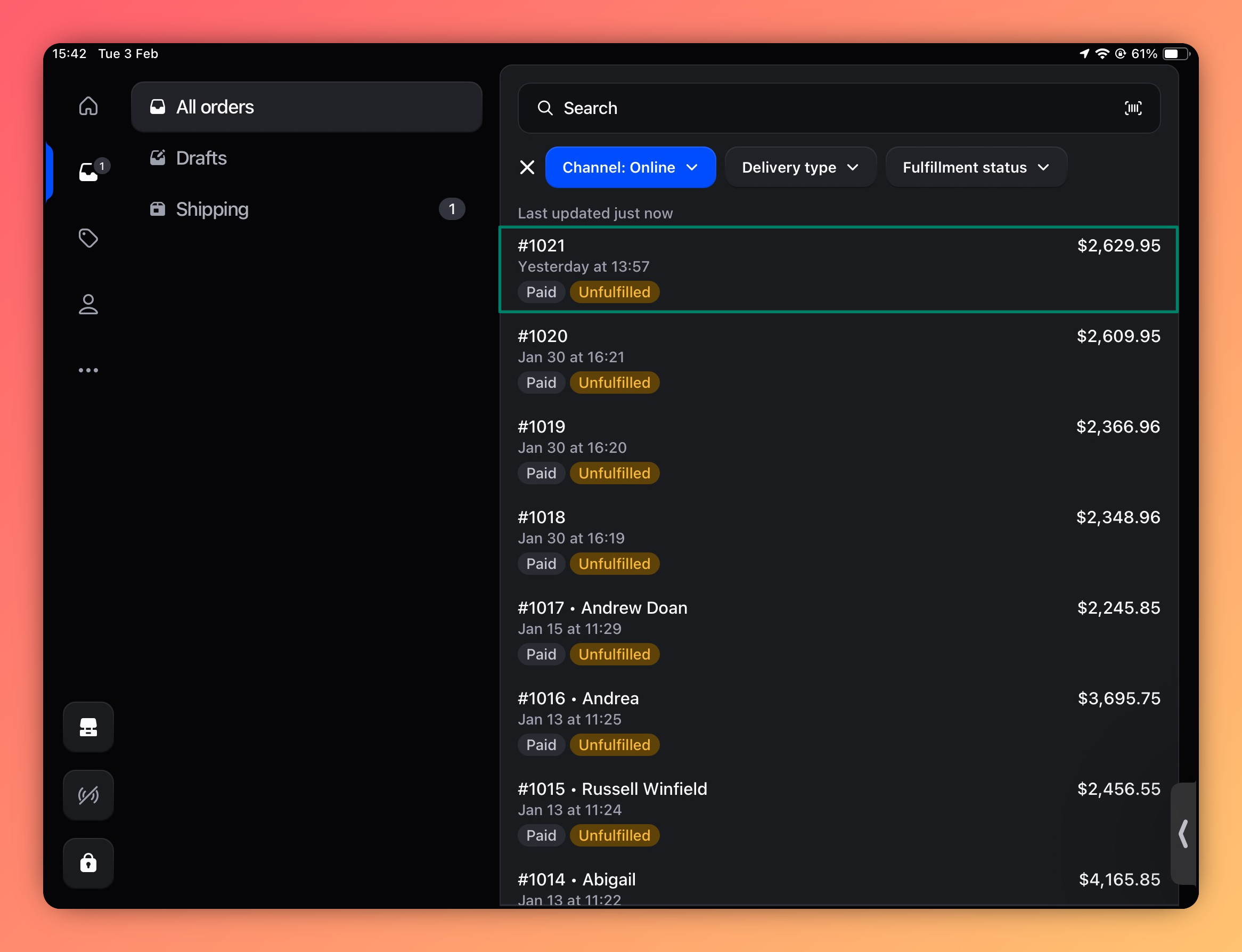
In the order details screen, click Print with Doran.
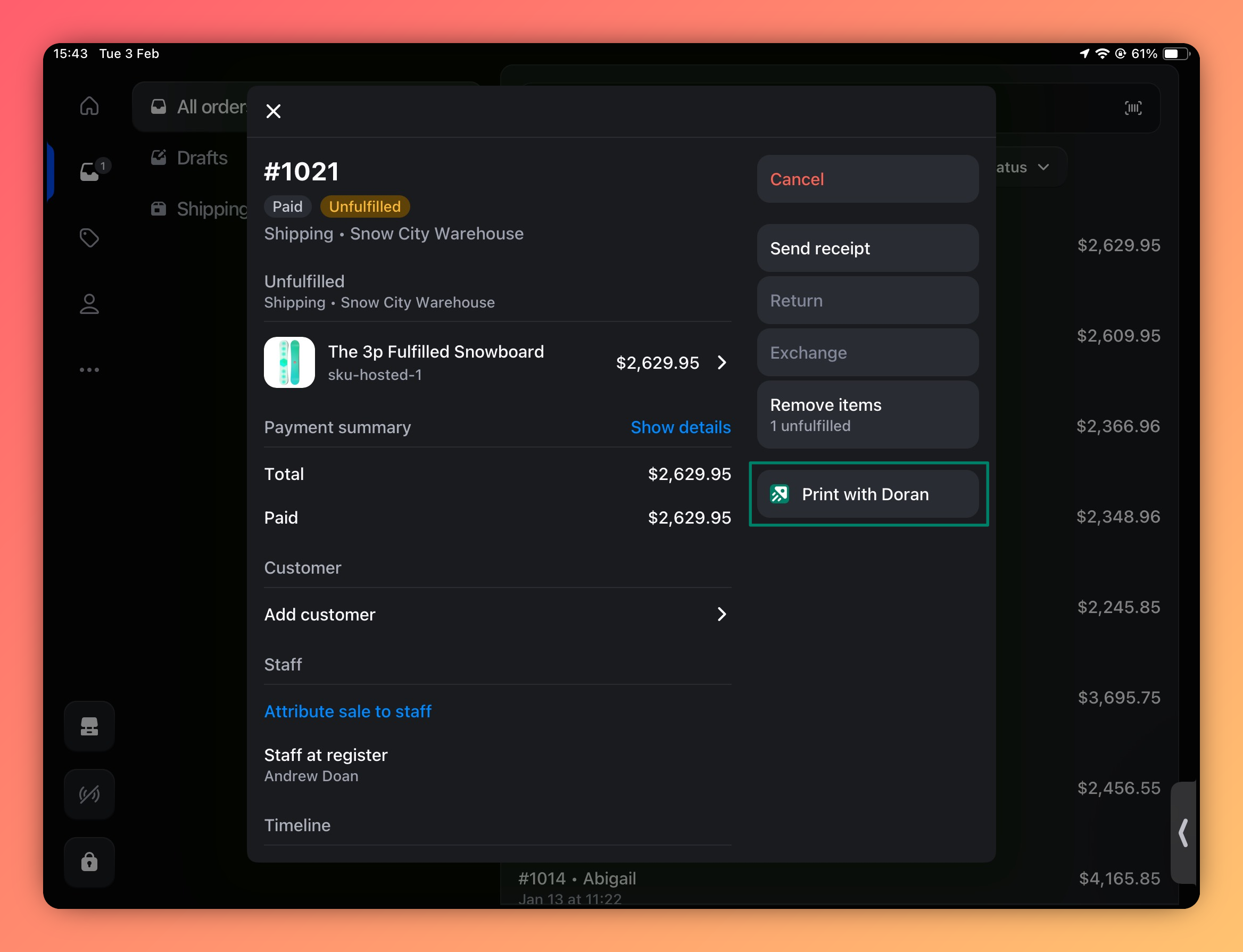
Choose your preferred printing option:
- Print all in one PDF: Use this option to print all associated templates into a single PDF file.
This option only works if all selected templates are set to the same paper size in the app's settings.
- Print PDF by grouping templates: Use this option if you want to select and print a specific template from the available list.

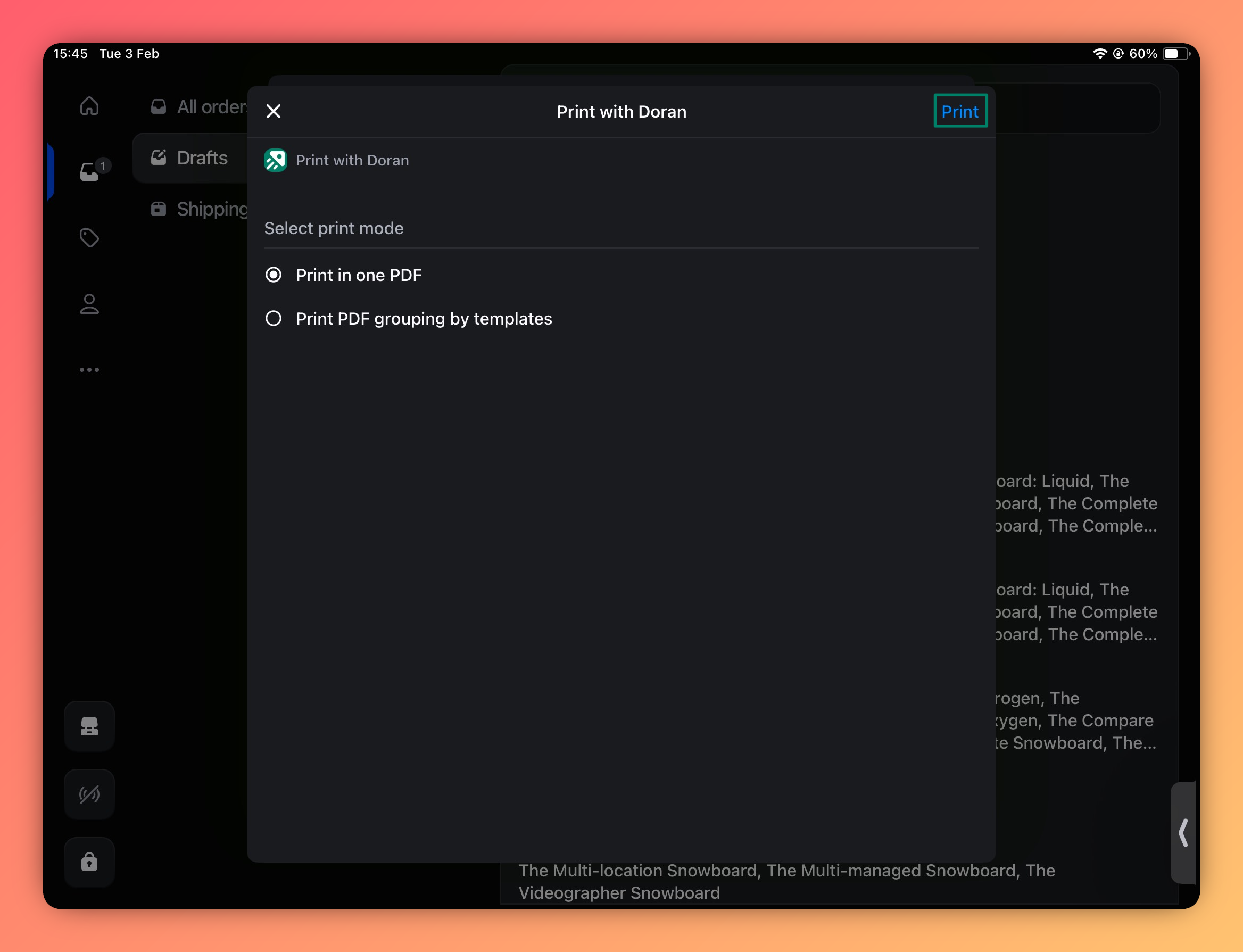
Tap the Print button to send the document to your connected printer.

Print a draft order from POS
You can also print documents for draft orders before they are finalized.
On your POS device, go to the Orders screen and tap the Drafts tab.
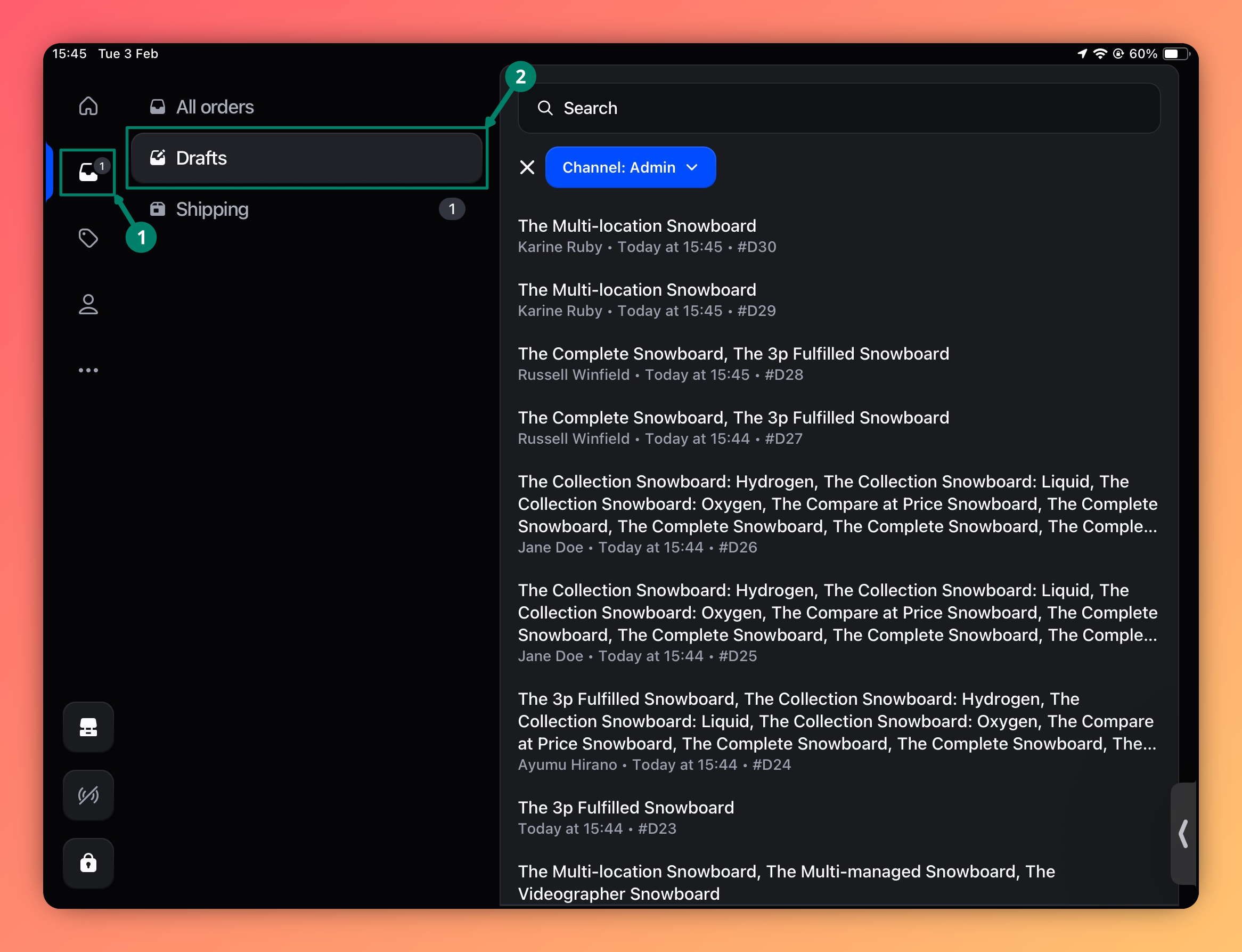
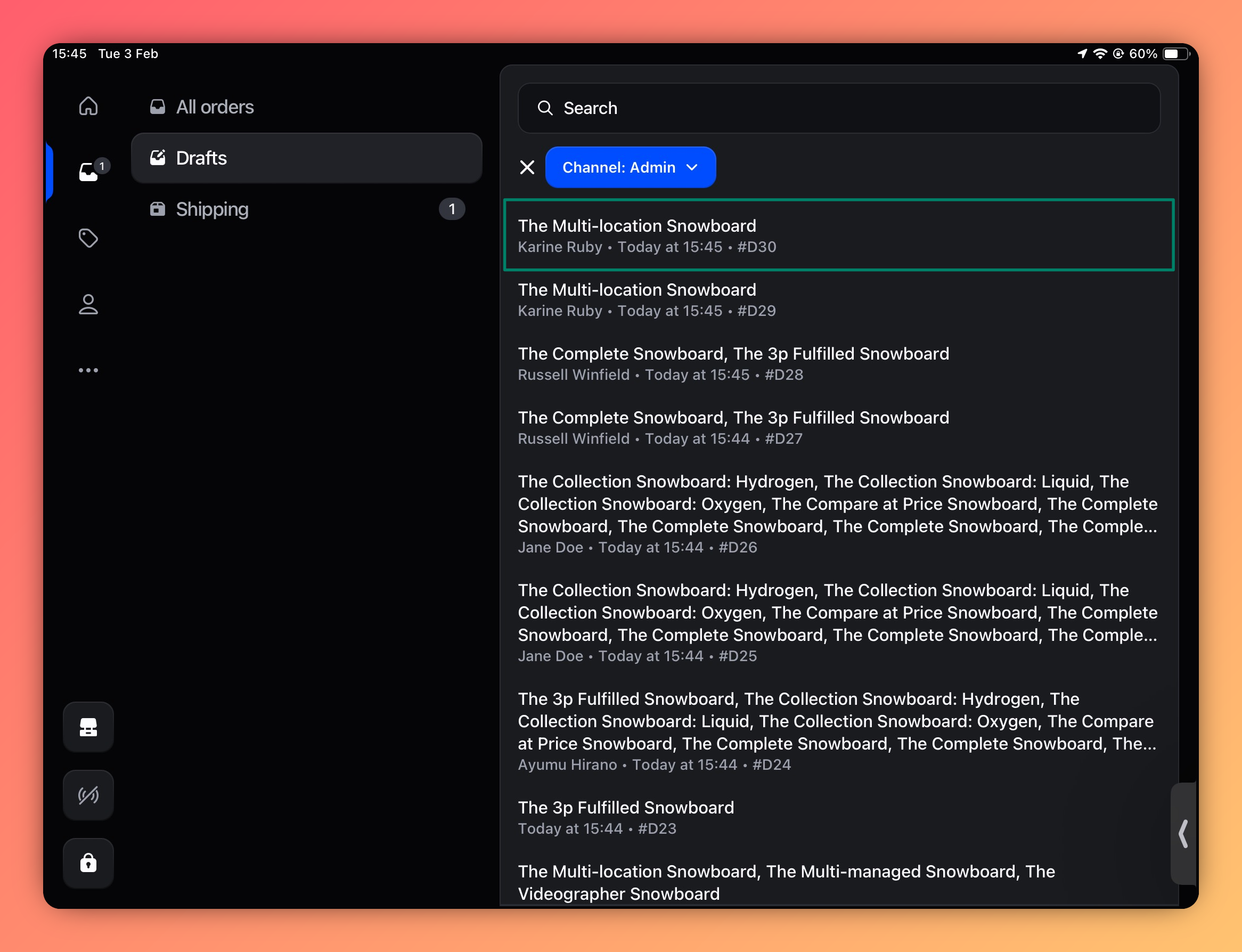
Tap the draft order you want to print.
In the draft order details, click Print with Doran.
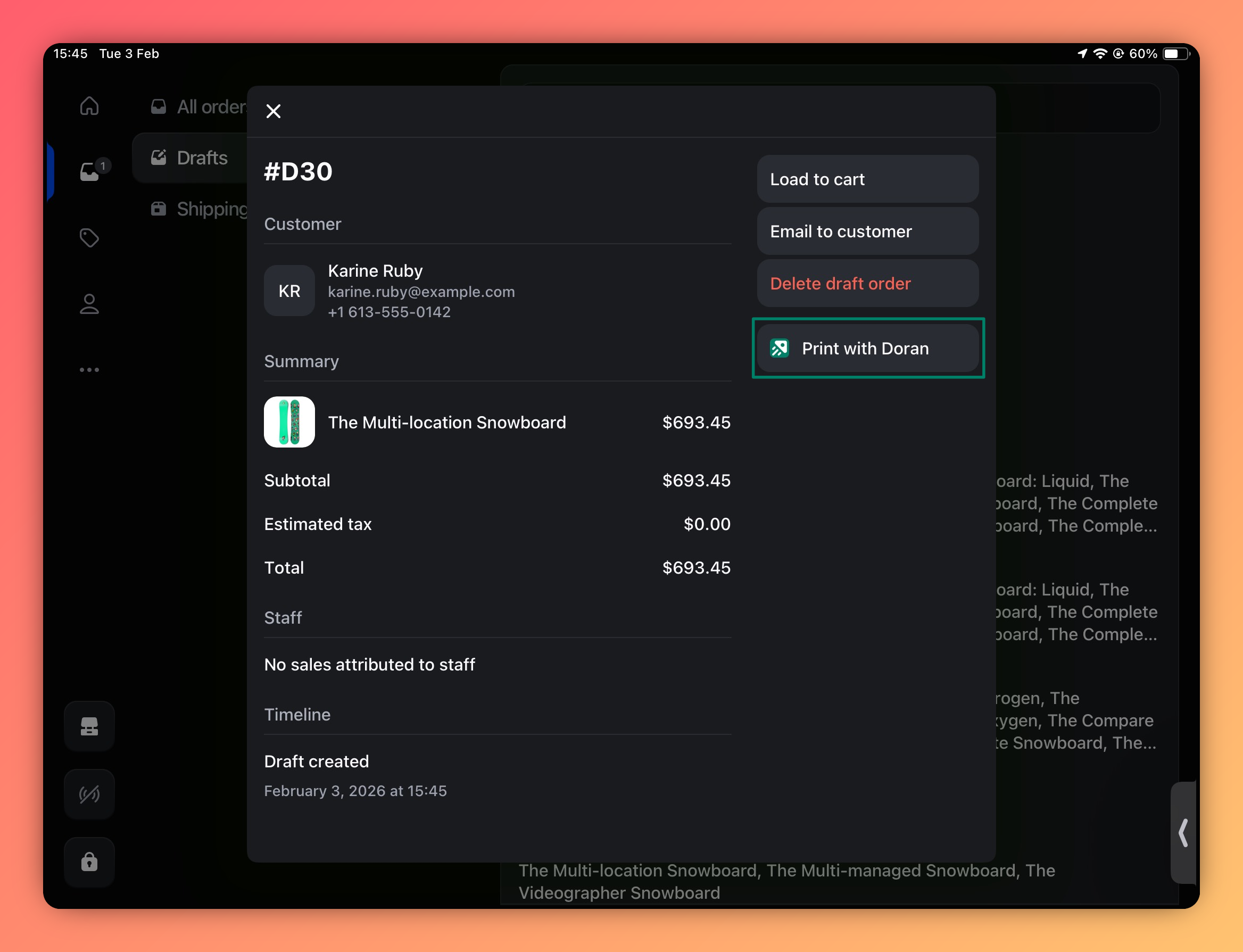
Choose your preferred printing option:
- Print all in one PDF: Use this option to print all associated templates into a single PDF file.
This option only works if all selected templates are set to the same paper size in the app's settings.
- Print PDF by grouping templates: Use this option if you want to select and print a specific template from the available list.
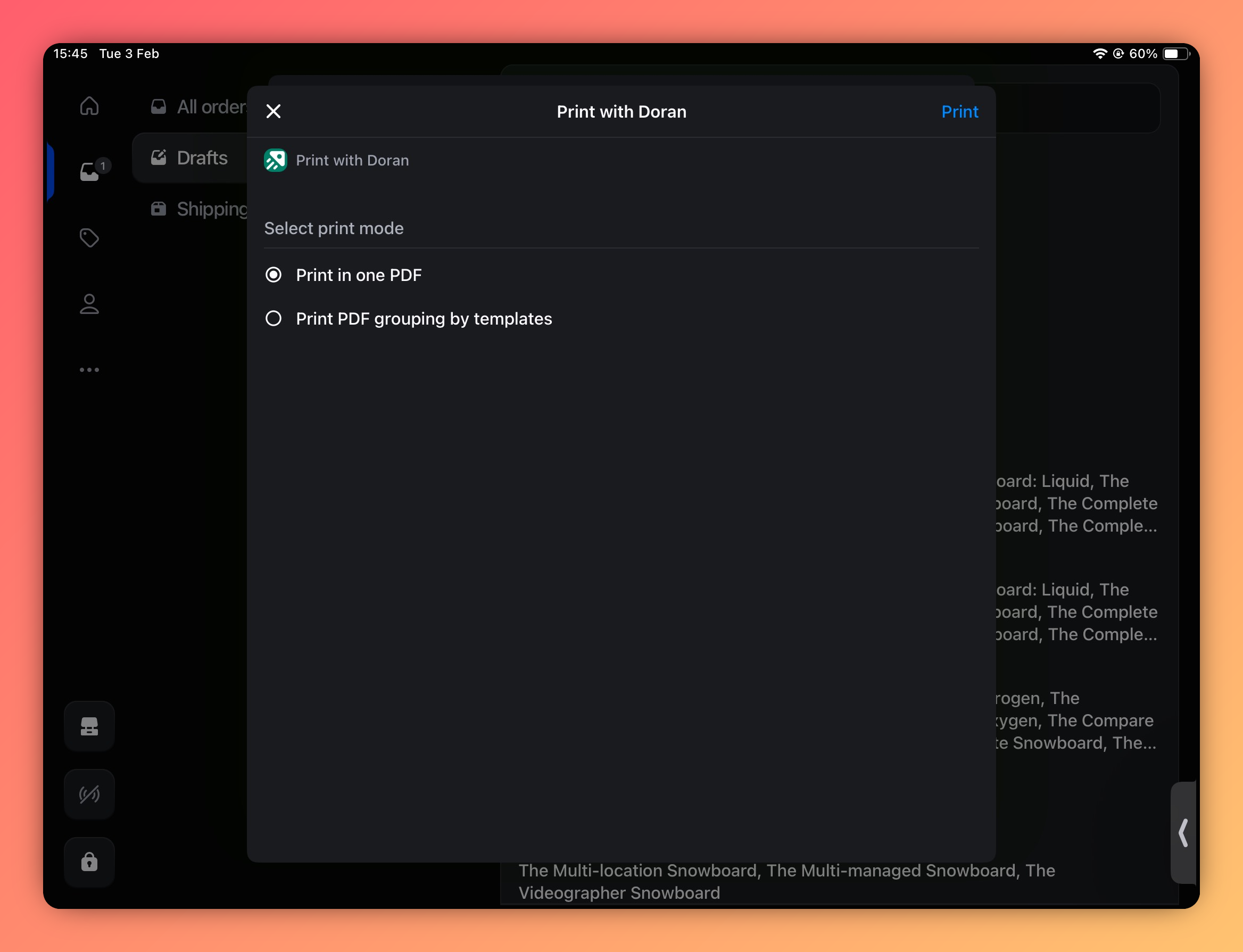
Tap the Print button to finalize.
Shopify mobile app
Learn how to print single or multiple orders directly from the Shopify mobile app using Doran. This guide provides step-by-step instructions for a seamless mobile printing experience.
Print orders
Learn how to configure your bulk printing jobs. This guide covers different print modes, selecting specific orders and templates, customizing PDF filenames, and making temporary content edits directly from the print preview.