In app
Access the menu
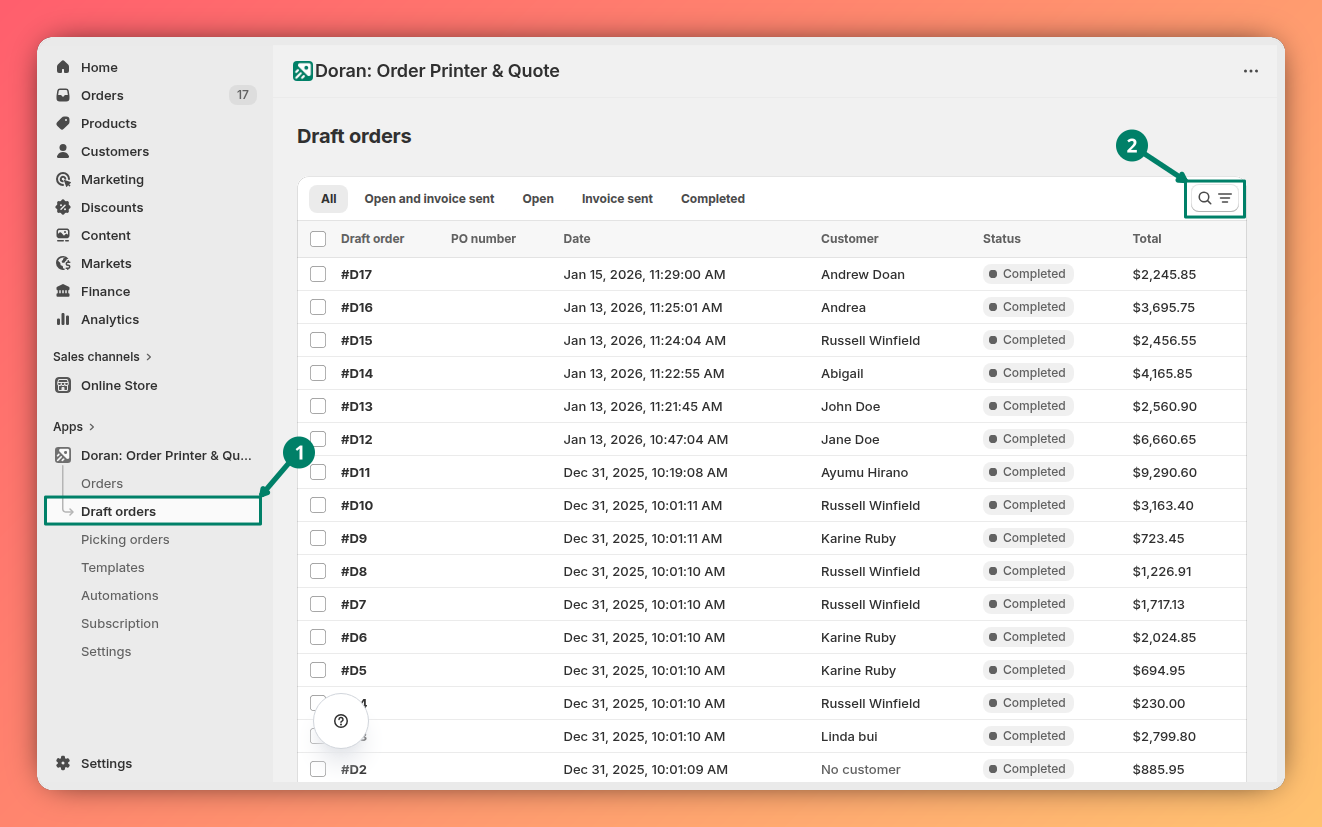
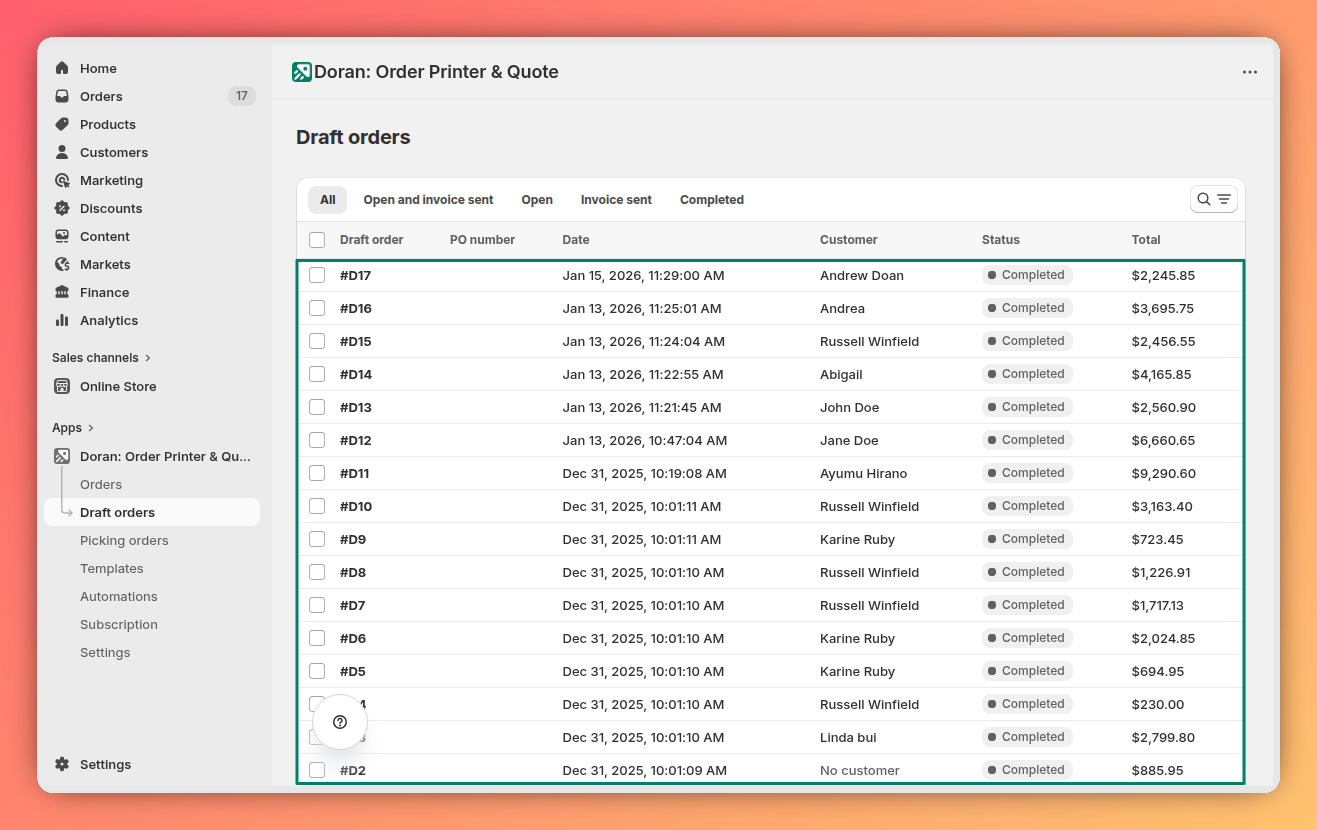
To view all draft orders inside Doran app, go to Orders.
Filtering your draft orders
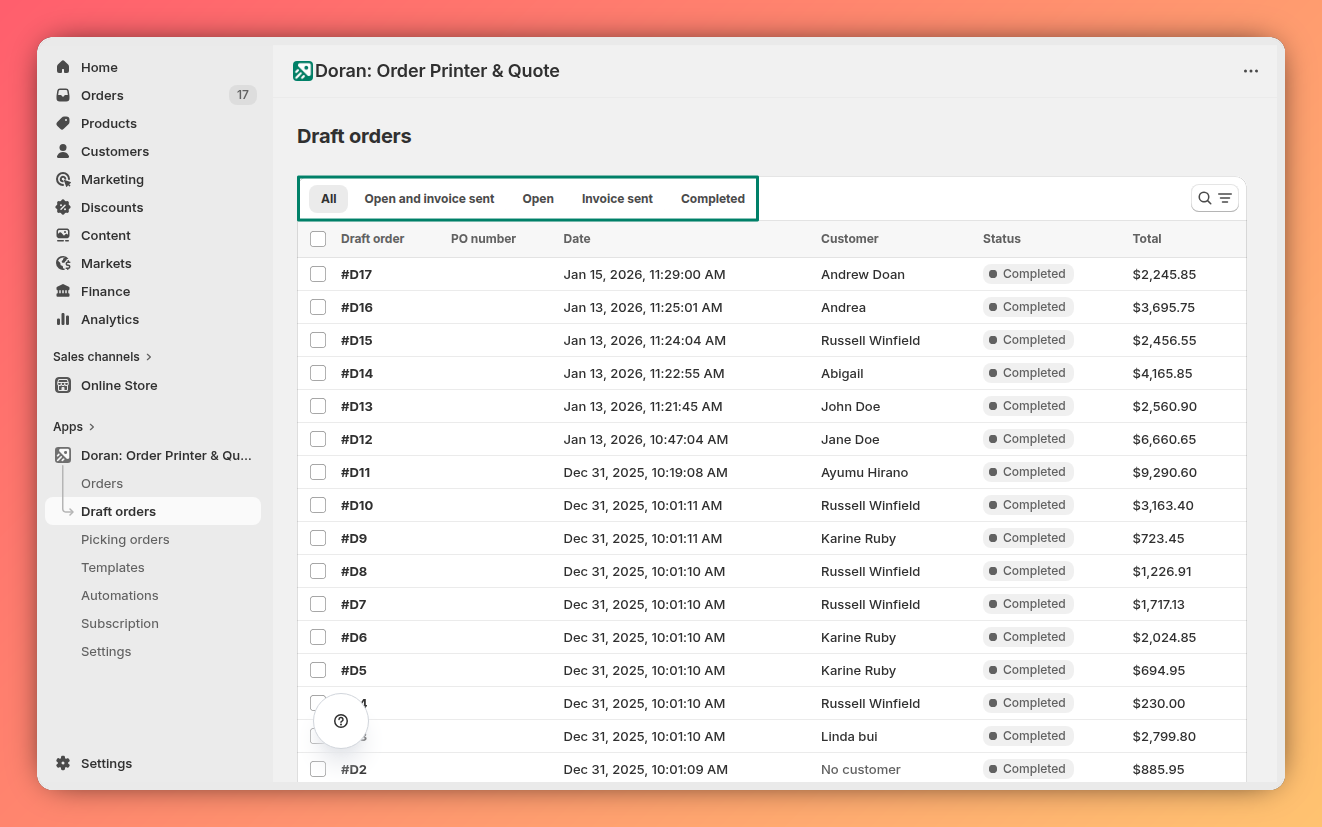
Use the filters at the top of the table to narrow down your order list and find exactly what you're looking for.
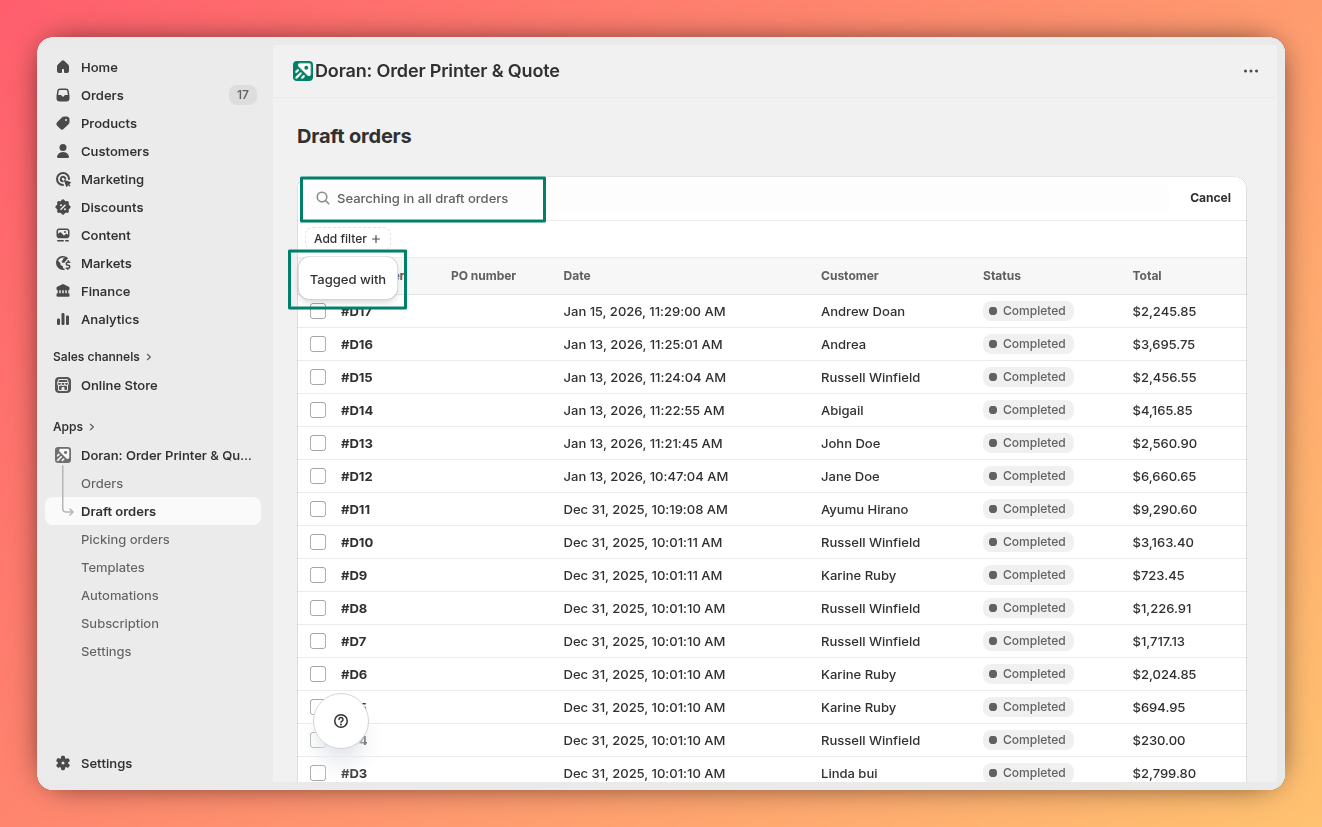
- Draft Order Name: Search for a draft order by its specific name.
- Tags: Filter the list to show only draft orders that have certain tags assigned to them.
- Status: Display draft orders based on their current status (e.g., Open, Invoice sent, Completed).
Draft order actions
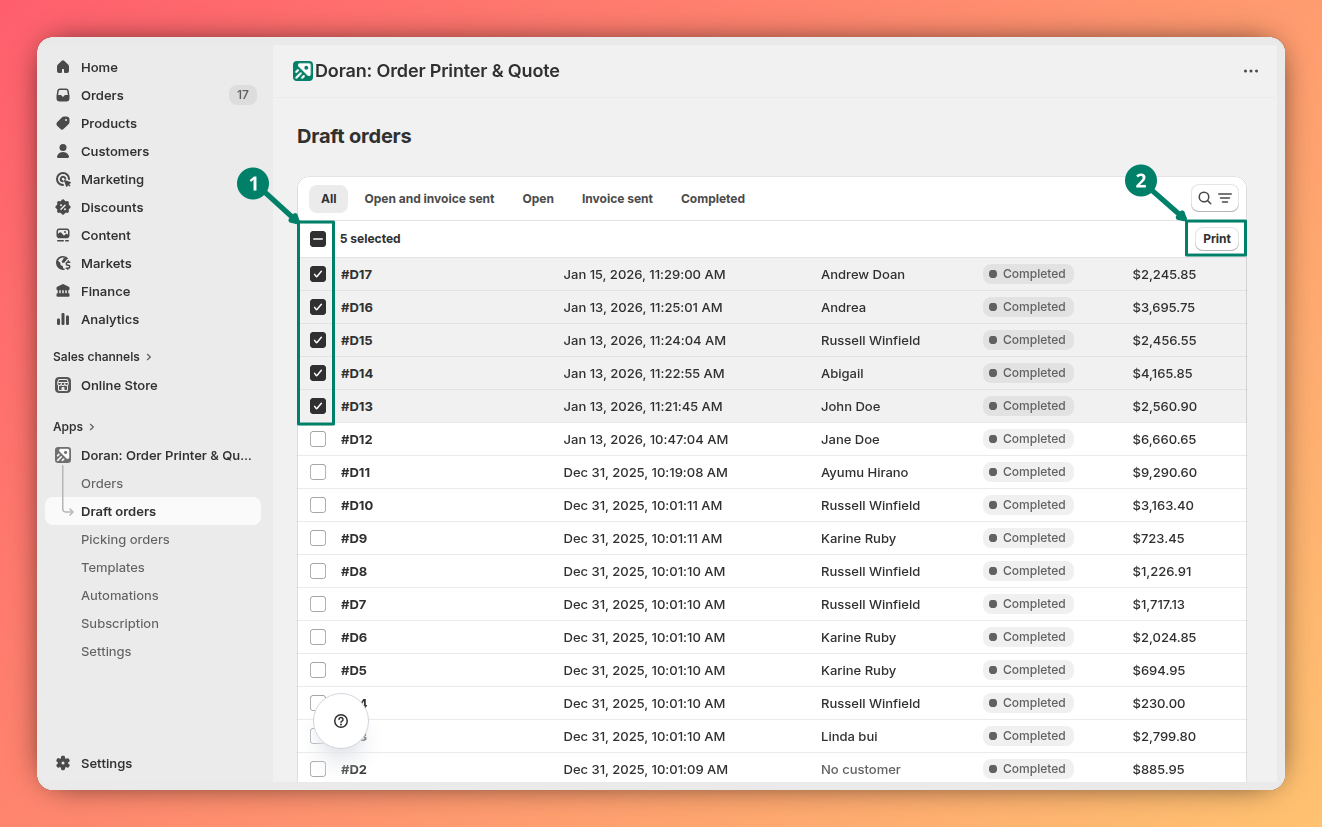
When you select one or more draft orders by checking the box next to them, a menu with bulk actions becomes available. These actions allow you to manage multiple orders simultaneously.
Print draft orders
This action lets you print multiple draft orders at once, saving you valuable time when processing your orders. Learn more.
Print a single draft order
To print a single order, you may click any order in the table to print. Customize printing PDF.
Print orders
Learn how to configure your bulk printing jobs. This guide covers different print modes, selecting specific orders and templates, customizing PDF filenames, and making temporary content edits directly from the print preview.
Shopify admin
Learn how to print single or multiple draft orders directly from your Shopify admin using the Doran app. This guide covers the two main methods for initiating a print job.