Settings
Access the menu
To edit the settings for a template, open the template you wish to modify. Then, click on Settings.
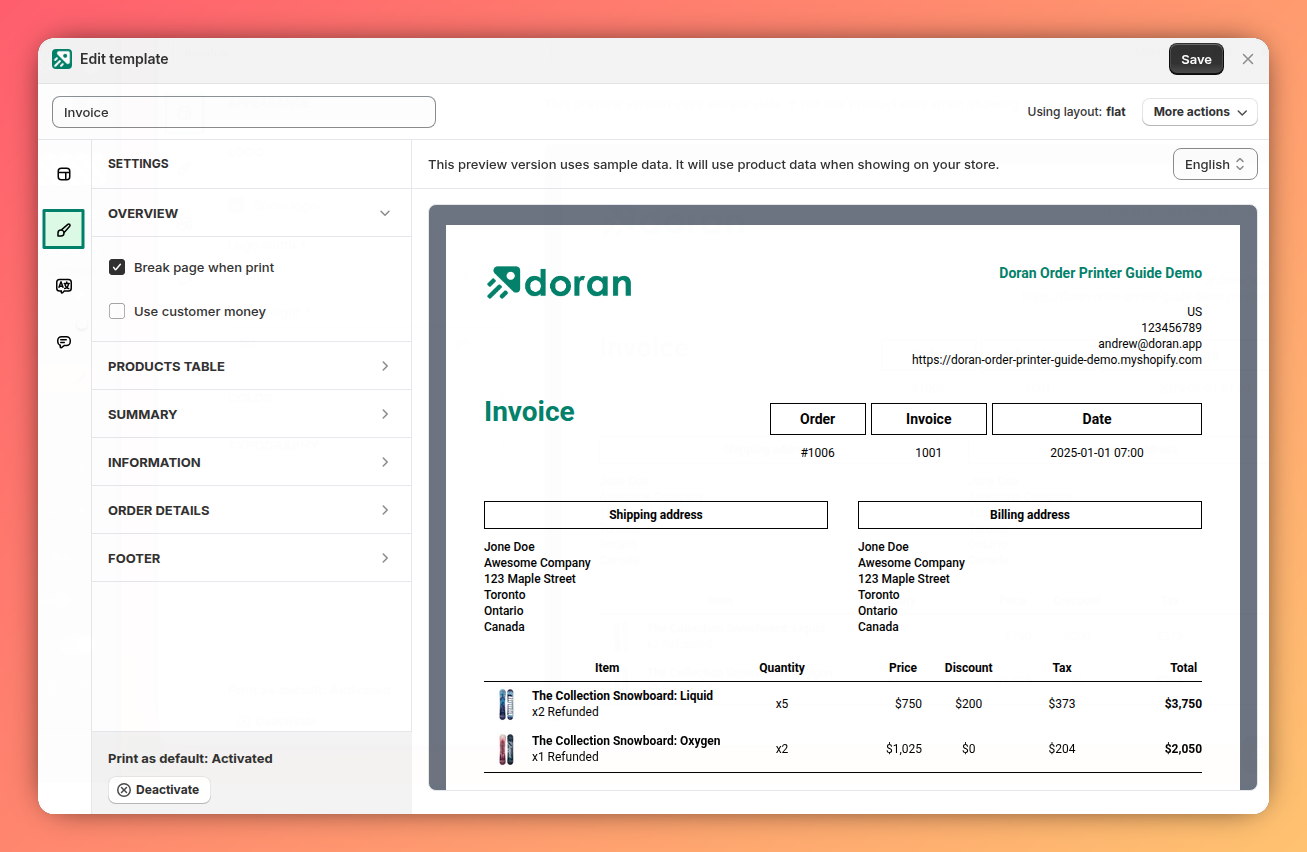
Settings
The available settings depend on the layout you are using. You can read more about designing layouts here.
Preview changes
When you change the settings, the app will automatically display a preview in the template's preview section.
Finding Settings
To quickly find a setting, you can click on a section within the template's preview pane. The app will automatically locate and display the corresponding setting for you.
Appearance
Learn how to customize the visual elements of your template, including your logo, brand colors, and fonts, to perfectly match your store's identity.
Translations
This guide explains how translations work inside your template, where to find the Translations tab, how to add new languages, customize existing text, and remove translations. It walks you through each step clearly so you can localize your templates and ensure your printed documents display the right wording in every language.